 simply crafted
OPEN SKY · SCENES AND WEATHER
Mountains in Open Sky: a mountain setting for your forecast
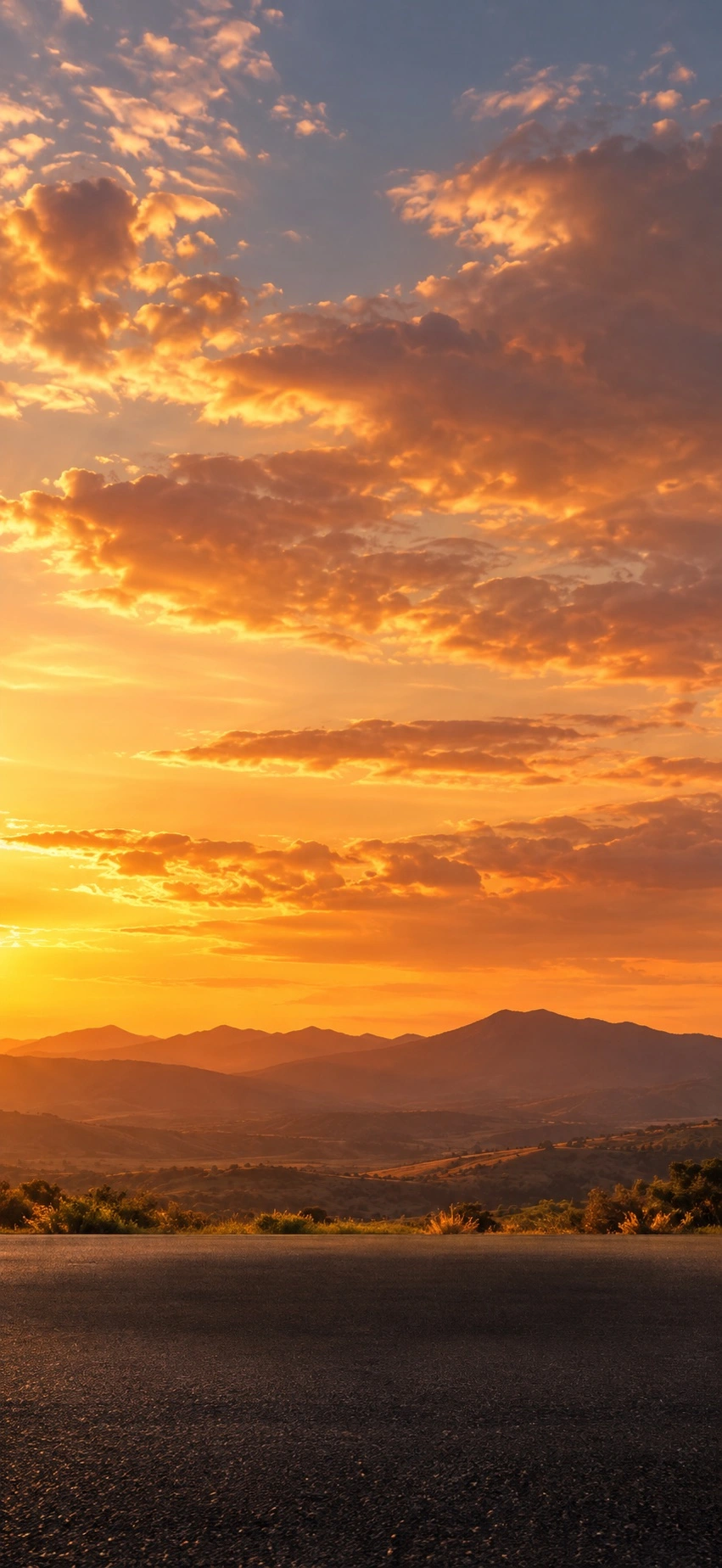
Mountains draws your eye to an expansive sky. Successive ridges sit below it, with a road in the foreground. The setting gives the forecast the atmosphere of an evening drive, even when you are checking the weather in a city.
What makes Mountains distinctive?
The light version combines gold and orange clouds with darker ridges on the horizon. Its broad sky sets it apart from the urban scenes. In the app, the car and weather information are layered over the scenery; the standalone background above contains neither.
This is not a named route or a camera view. Choosing Mountains does not move the forecast location to a mountain town.
The setting in rain
Project resources also include a rainy Mountains variant. Heavy grey clouds, streaks of rain and reflective wet asphalt replace the golden sky. The mountain and road layout remains recognizable.
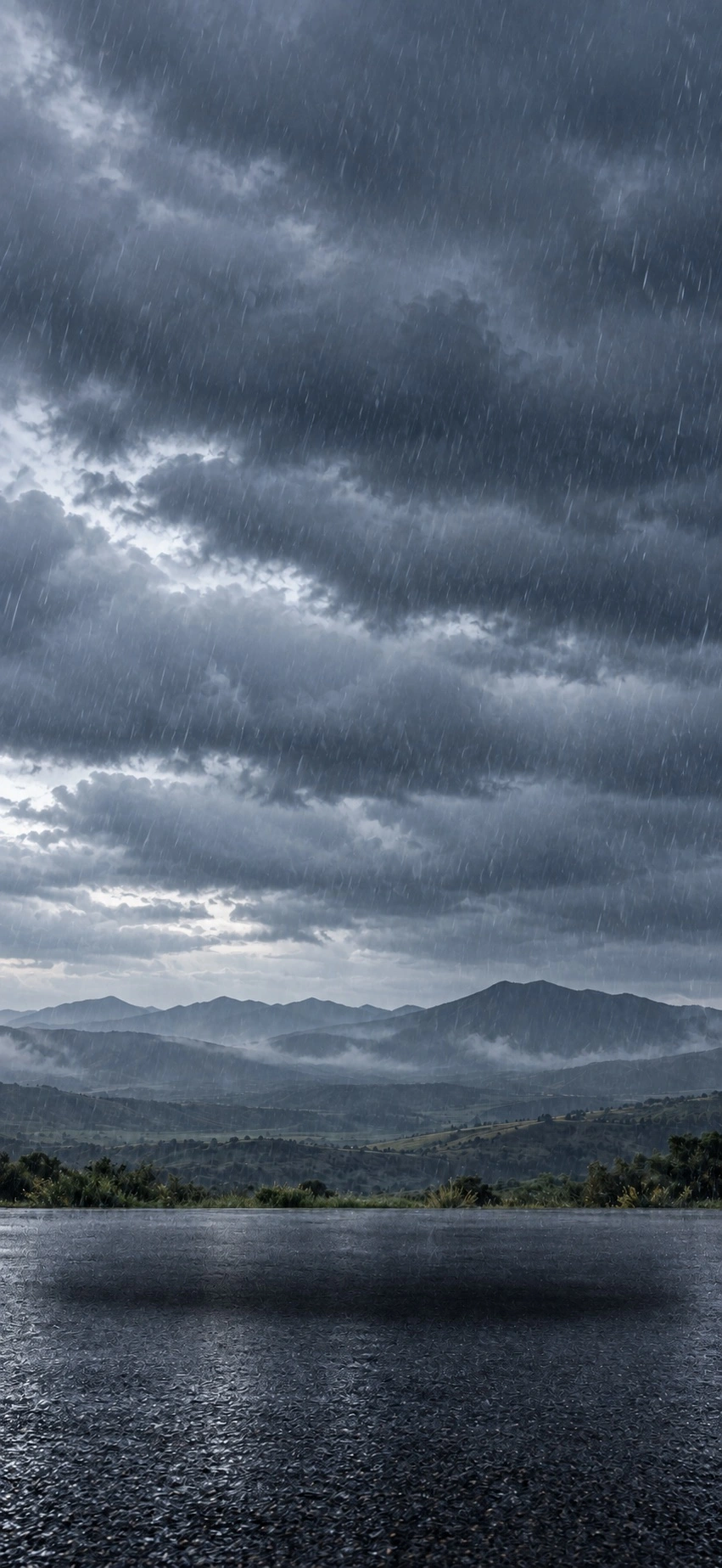
Colours help establish a mood, but also check the hourly forecast, expected rain and current notices before driving. Golden skies in an illustration cannot guarantee a dry trip.
Find the scene
Open the Scenes picker, identified by a palette icon, and choose Mountains. In the current App Store artwork, its tile sits beside Cartoon Drive in the first row.
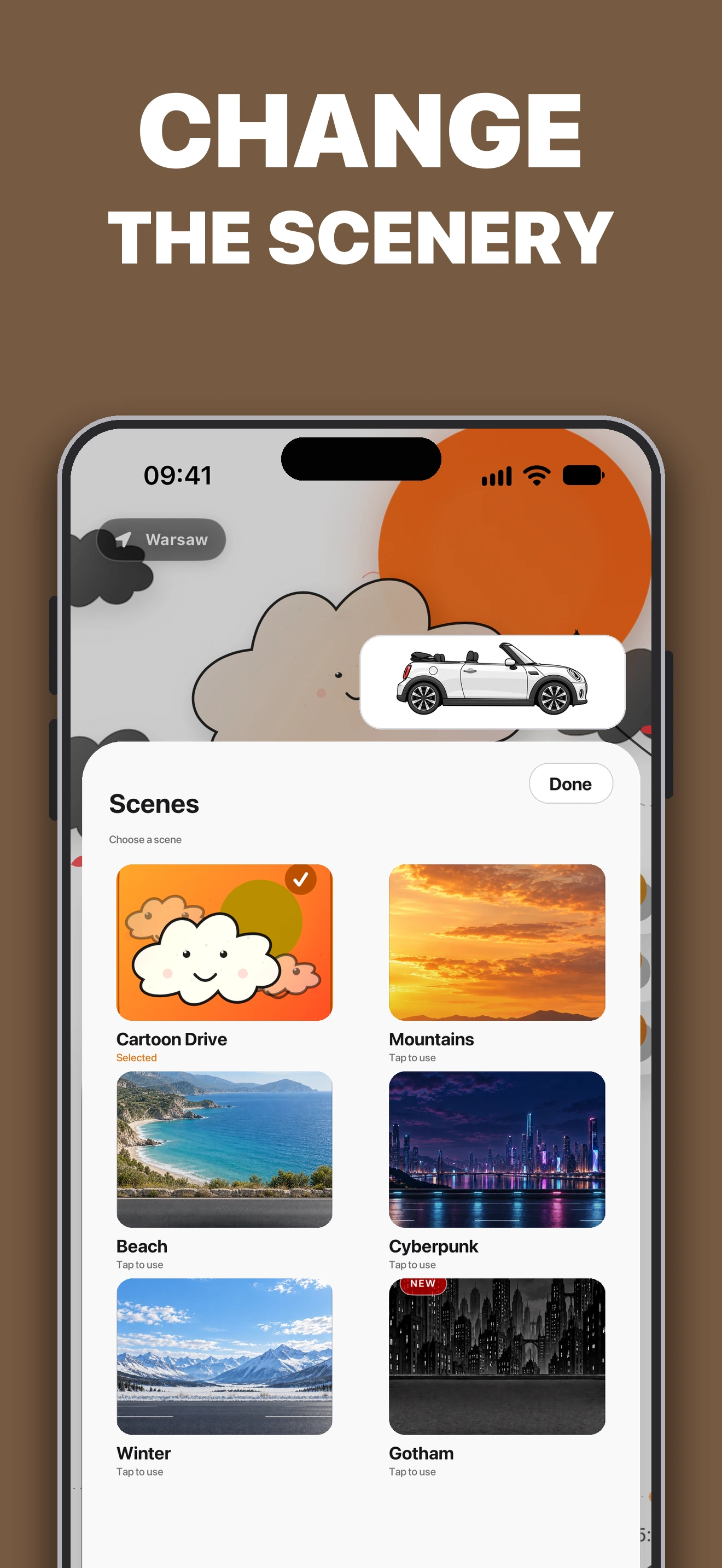
Before leaving, check that the app shows the correct place. For a drawn style, explore our Cartoon Drive guide.
Download Top Down Weather: Open Sky on the App Store. The app offers Premium purchases; check access to personalization options and current terms in the app before purchasing.