 simply crafted
EDEN · GETTING STARTED
Read it, then forget it? 5 ways to revisit what you read
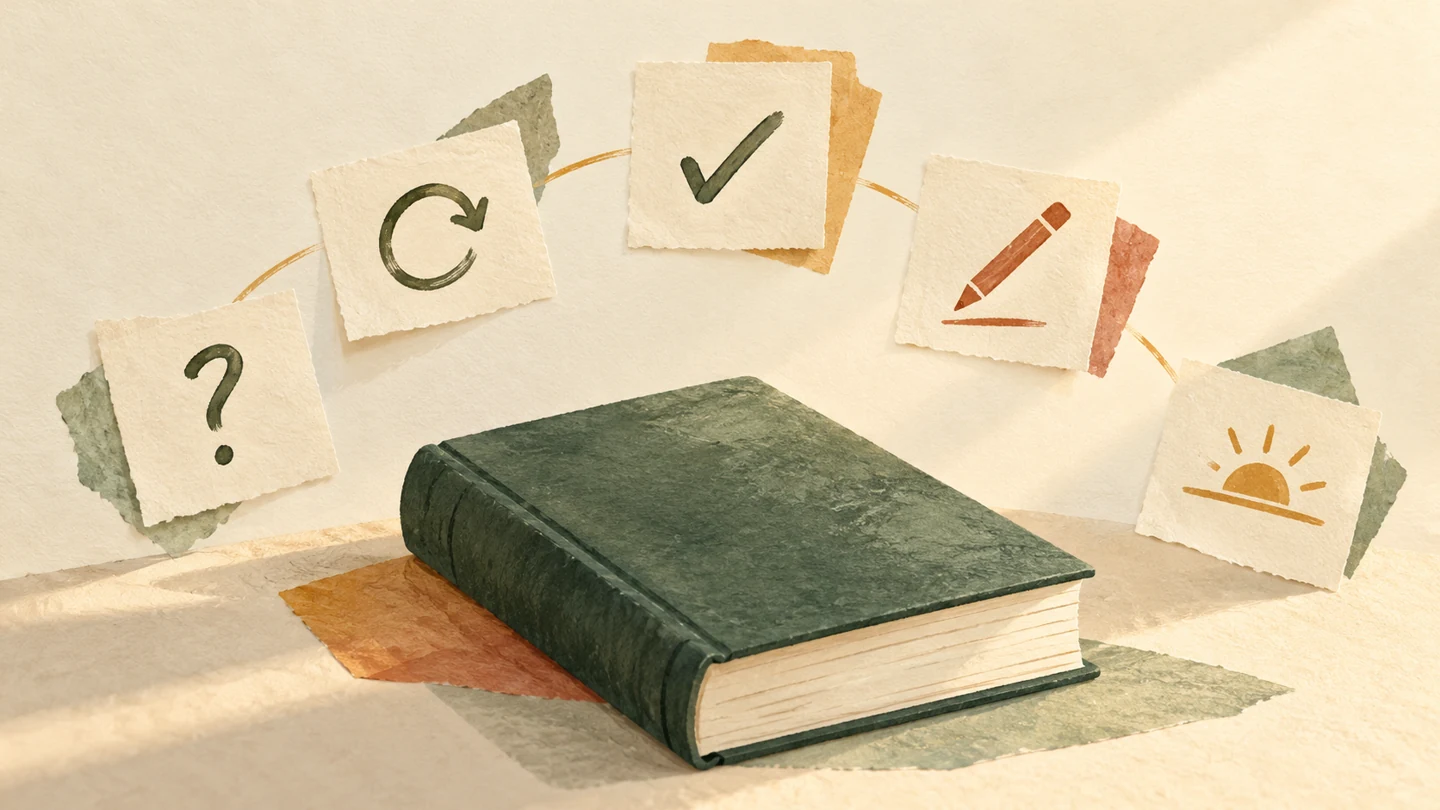
You finish reading a Bible passage. A little later, you remember the general subject, but the details start to blur. Before adding more pages, take a moment to return to what you have just read.
Here are five suggestions to try. Learning research supports retrieval practice and spacing, but it does not establish the effectiveness of Eden itself or guarantee that everyone will remember the same amount.
1. Choose a passage you can ask a question about
Start with a short, complete passage rather than a page count that leaves you rushing. Afterwards, ask: who was involved, what happened and what caught my attention?
This is an organizational suggestion, not a scientifically fixed session length. Sometimes a few verses are enough; sometimes you need an entire chapter to keep the context.
2. Try to recall before looking again
Put the text aside and describe what you remember in your own words. Two or three sentences will do. The aim is an attempt to recall, not a perfect quotation.
In a vocabulary-learning experiment, repeated retrieval improved later recall more than repeatedly studying words already learned. This concerns the situation studied, not a direct test of Bible reading or an app. Karpicke and Roediger’s study.
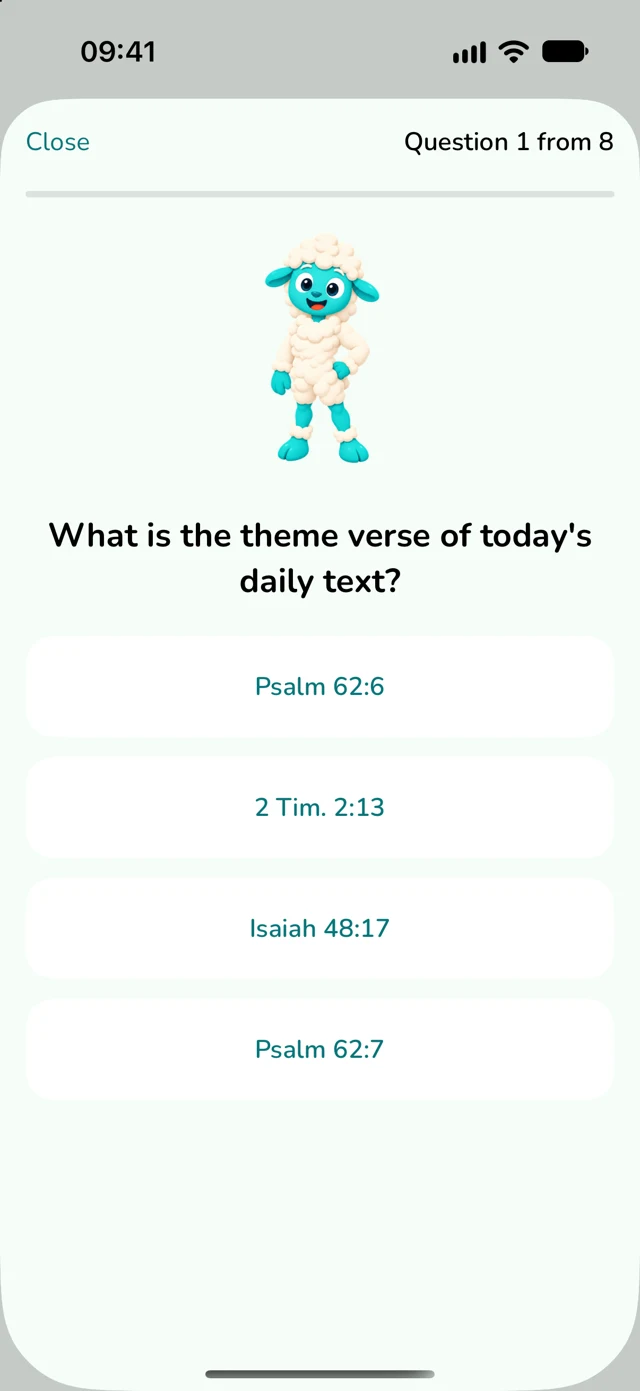
3. Check your answer and revisit the context
After trying to recall, open the passage again. What was accurate, and what did you add? If you mixed up people or the order of events, correct your note rather than preserving a guess.
A practical rule: try first, then check. In experiments involving facts and vocabulary, tests with feedback supported later recall compared with additional study. This does not mean every quiz question replaces reading. Carpenter and colleagues’ study.
4. Leave one note in your own words
Write down a thought or question you want to revisit. For example: “I want to look again at why this person made that decision.” This is an example of a personal reflection, not a Bible quotation.
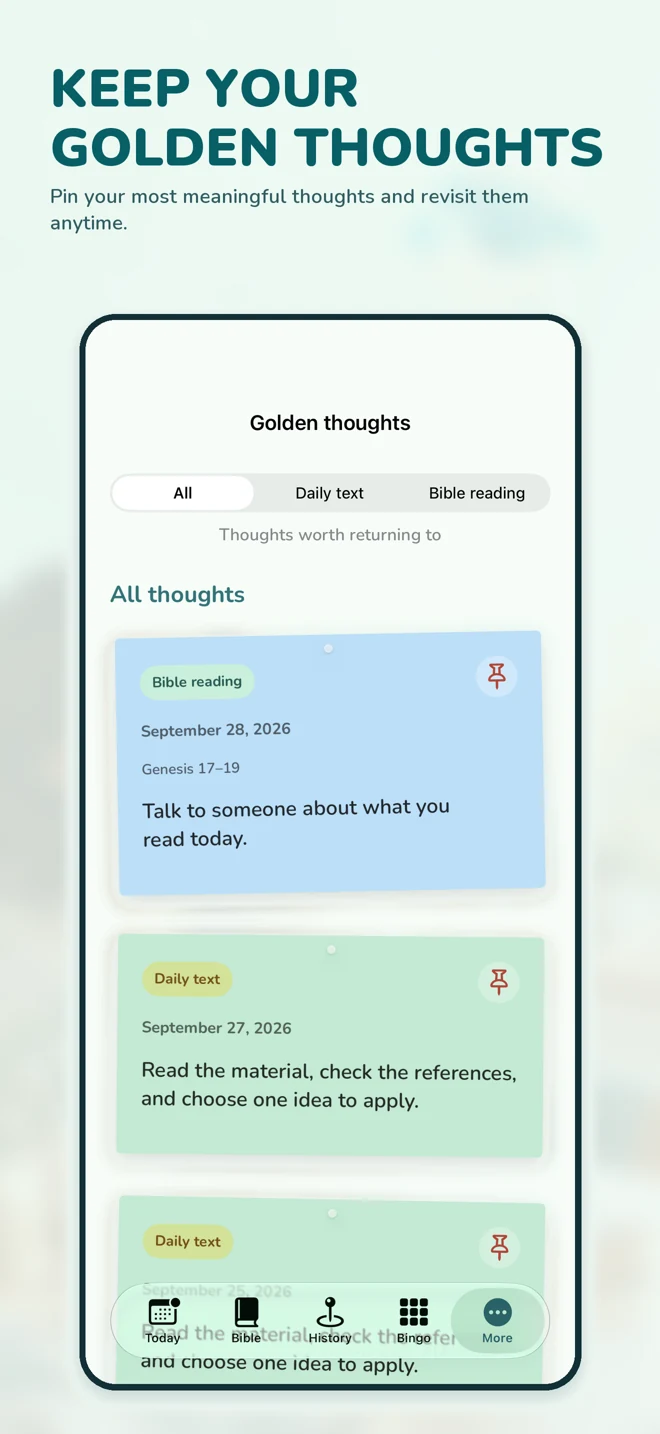
You do not need to summarize the entire passage. Separate what the text explicitly says from your own interpretation. In Eden, Golden Thoughts provides a place to keep personal reflections.
5. Return after a break instead of repeating everything immediately
At your next reading session, first try to recall one thought from the previous passage. Then compare it with the text or your note.
A meta-analysis of verbal-memory studies supports spacing learning over time; useful intervals also depend on how long the material needs to be remembered. There is no single best calendar for everyone. Cepeda and colleagues’ review.
A small plan for your next reading session
Read a passage. Try to recall its main idea without looking. Check the text and write down one sentence. When you next return to reading, revisit that note. This is an exercise to try, without a requirement to finish within a fixed number of minutes.
Eden brings together reading plans, a quiz about the daily text and personal reflections. You can use these features to organize your practice without treating points or a streak as a measure of understanding.
Explore Eden’s Bible reading plan.
Meet Eden
Read, answer questions and save your own reflections.
Download Eden on the App Store
For iPhone and iPad. A subscription is required to use the main features.