 simply crafted
OPEN SKY · SETTINGS AND WIDGETS
Open Sky at a glance: add a widget to your iPhone Home Screen
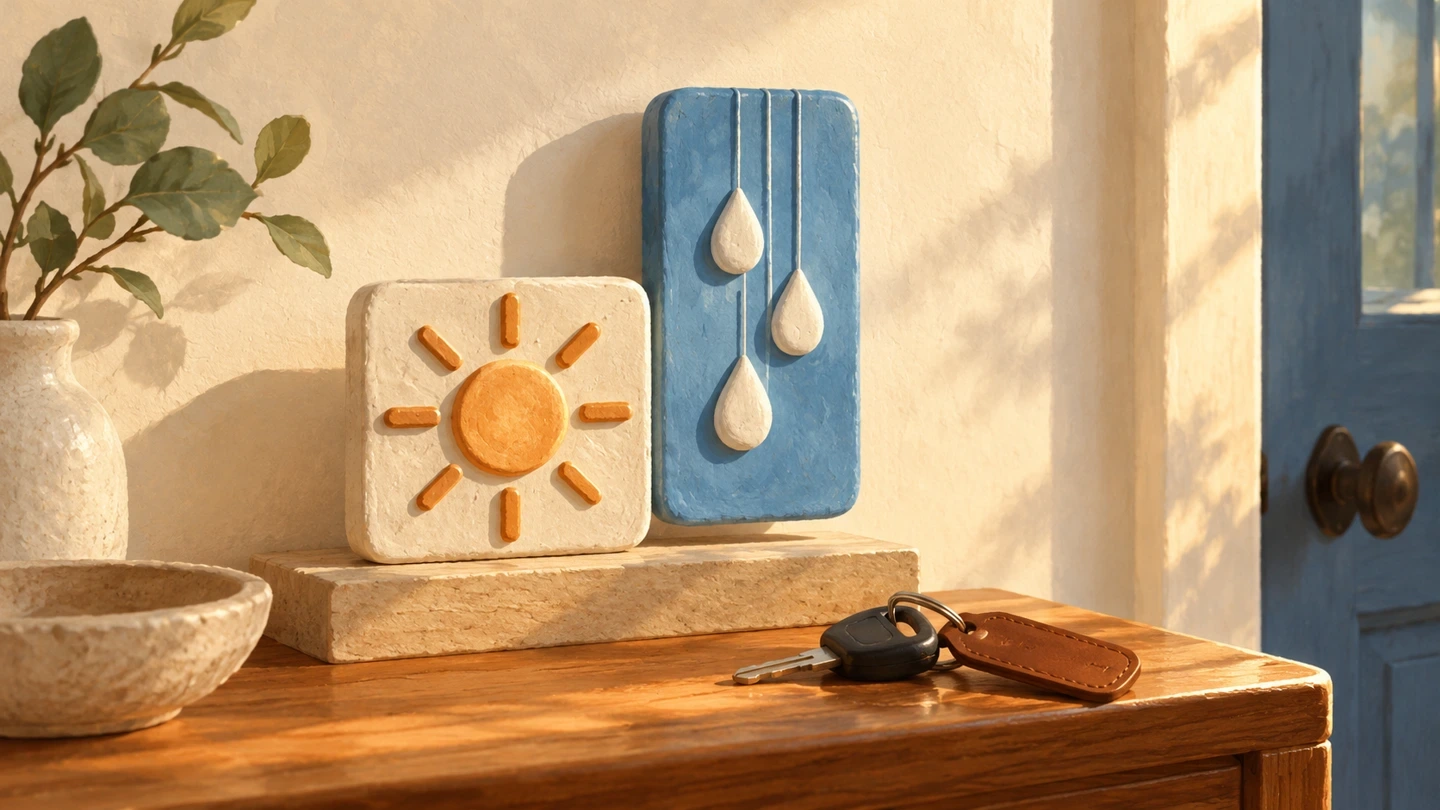
Picking up your keys and checking the weather before a drive? An Open Sky widget brings the forecast to your iPhone Home Screen. Give it a small square or a wider space, depending on the room between your app icons.
What do the widgets show?
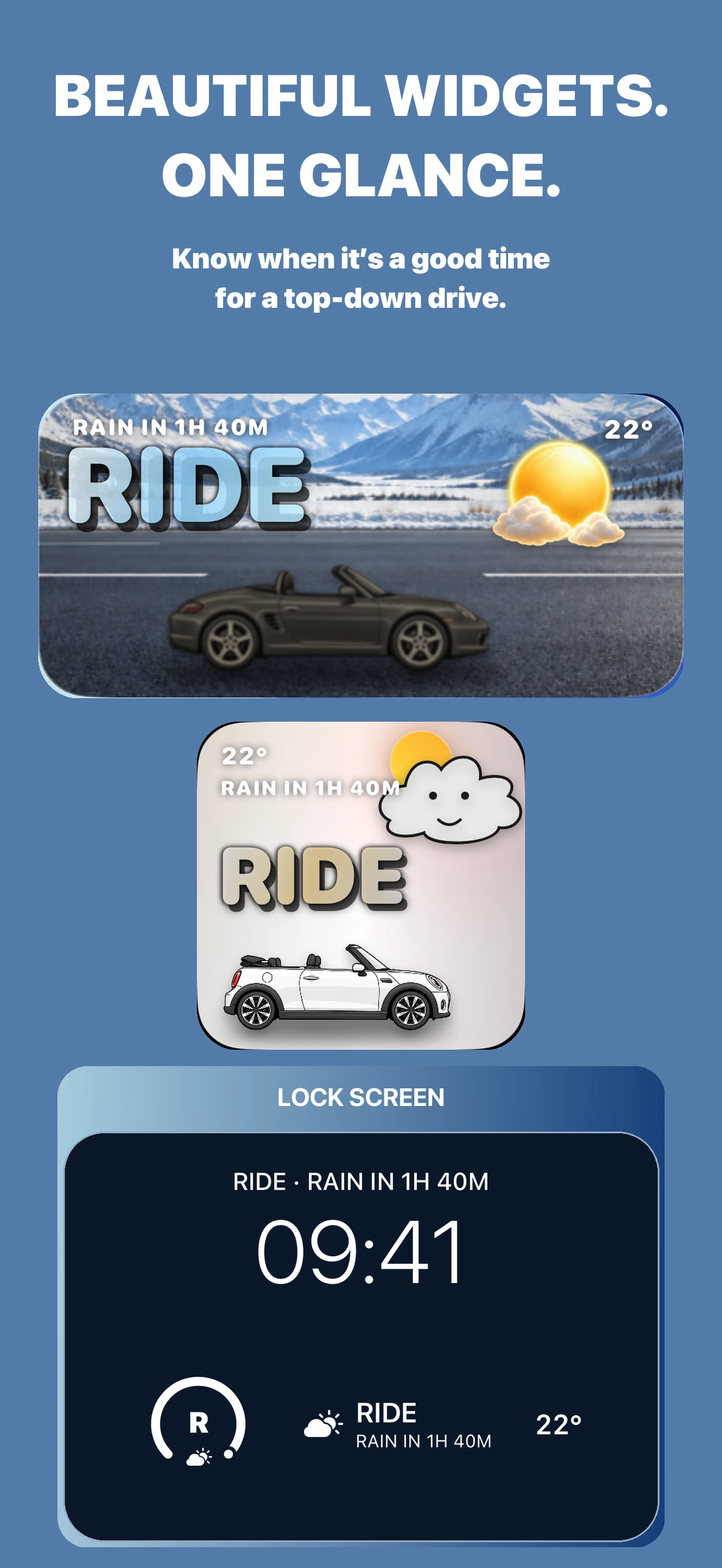
The App Store artwork shows small and medium options. Both combine a large RIDE label, temperature and expected-rain information. The wider widget has room for an expanded scene with a car, while the smaller one uses a compact composition.
Add the widget
First open Open Sky and set the place whose weather you want to check. On your Home Screen:
- Hold an empty area until the icons jiggle.
- Open the widget gallery with + or Edit → Add Widget, depending on your iOS version.
- Search for Open Sky, choose a size and add the widget.
- Place it where you want and finish editing.
Open Sky requires iOS 17.0 or later. Button labels can vary between system versions.
Premium and fresh information
The current App Store description includes forecast widgets in Premium. Check the available terms in the app before purchasing.
iOS manages widget refreshes, so the forecast is not a continuously updated feed. When your plans change, open Open Sky, check the selected location and refresh the weather. We do not promise widget updates at a fixed interval.
Check the forecast before driving
The widget is useful for a quick look at conditions. Before a longer trip, check the next few hours in the app and local weather notices. RIDE and a rain countdown cannot guarantee a dry road.
Download Top Down Weather: Open Sky on the App Store. Forecast widgets require Premium access.