 simply crafted
OPEN SKY · SCENES AND WEATHER
Beach in Open Sky: a bay view for your forecast
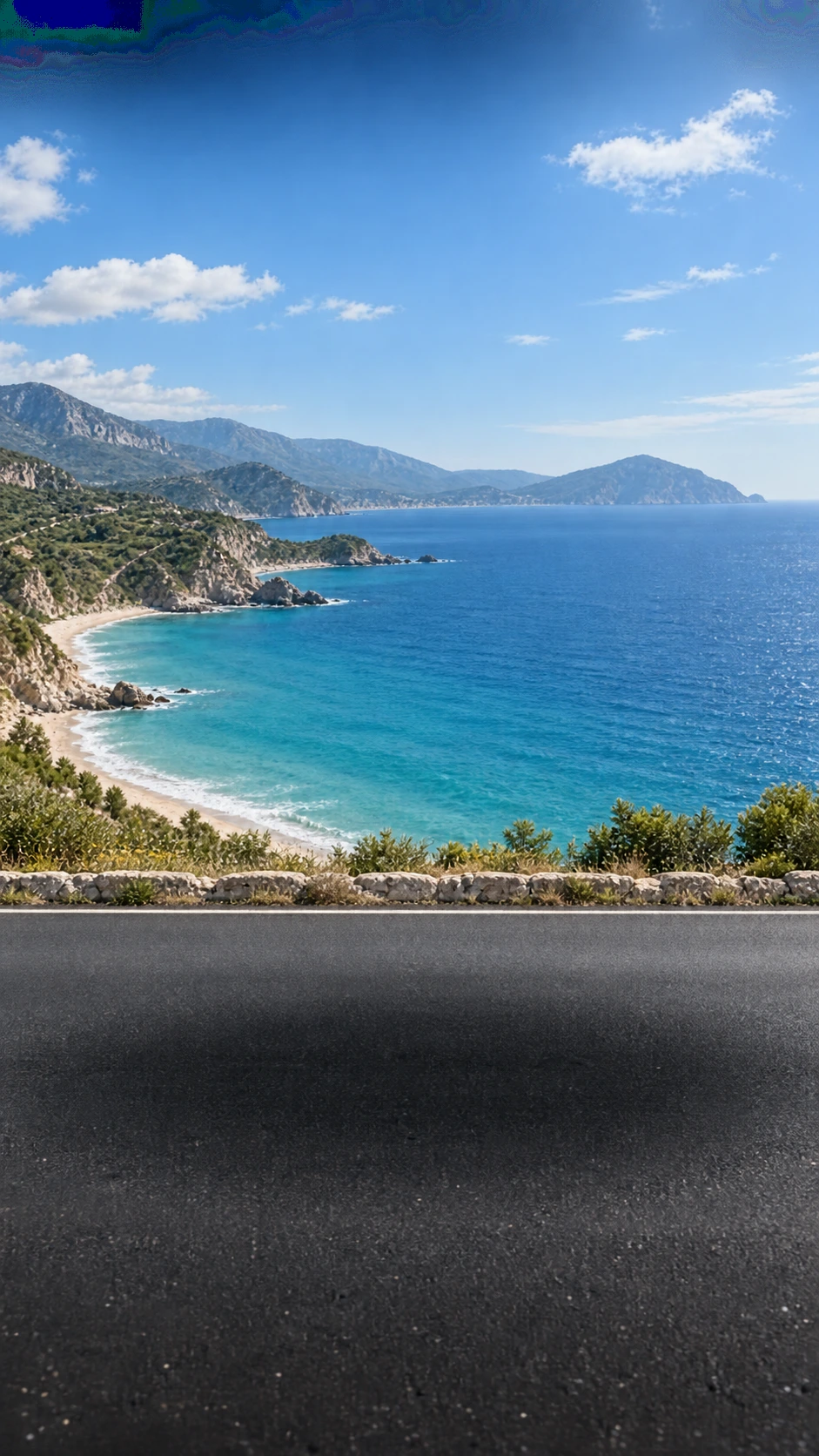
Beach gives the forecast a coastal setting. A broad bay, pale shoreline and mountainous coast replace city buildings. A road runs across the foreground, separated from the sea by a low stone wall.
What makes this scene distinctive?
The water is the strongest colour accent: turquoise near the shore and deeper blue further out. Rocks, vegetation and successive ridges add depth. A broad sky leaves room for the weather presentation in the app.
Beach is a scenery name. Selecting it does not move your forecast to a seaside town or identify a particular beach you can visit.
When the coast turns rainy
The project also includes a rainy Beach background. Heavy grey clouds, rain streaks, stronger surf and reflective wet asphalt change the atmosphere. The bay and stone wall remain recognizable.
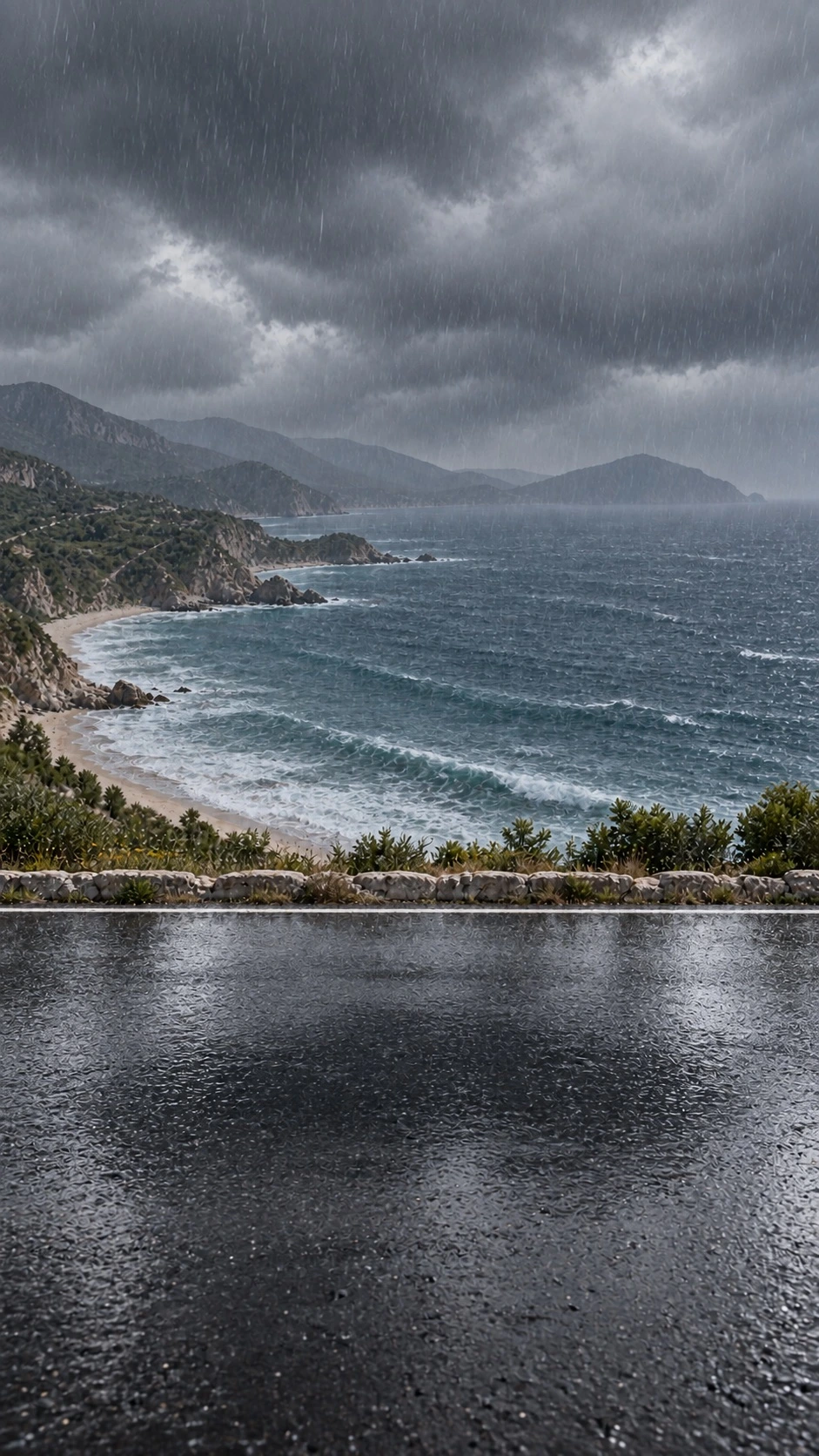
In the app, the background variant is linked to the displayed weather conditions and time of day. You do not need to find a separate “Beach Rain” scene. Read the illustration alongside temperature, rain and forecast hours.
Choose Beach
Open the scene picker using the palette button, then select Beach in Scenes. Choose your car separately in the garage. Changing the scenery does not change the forecast location or weather data.
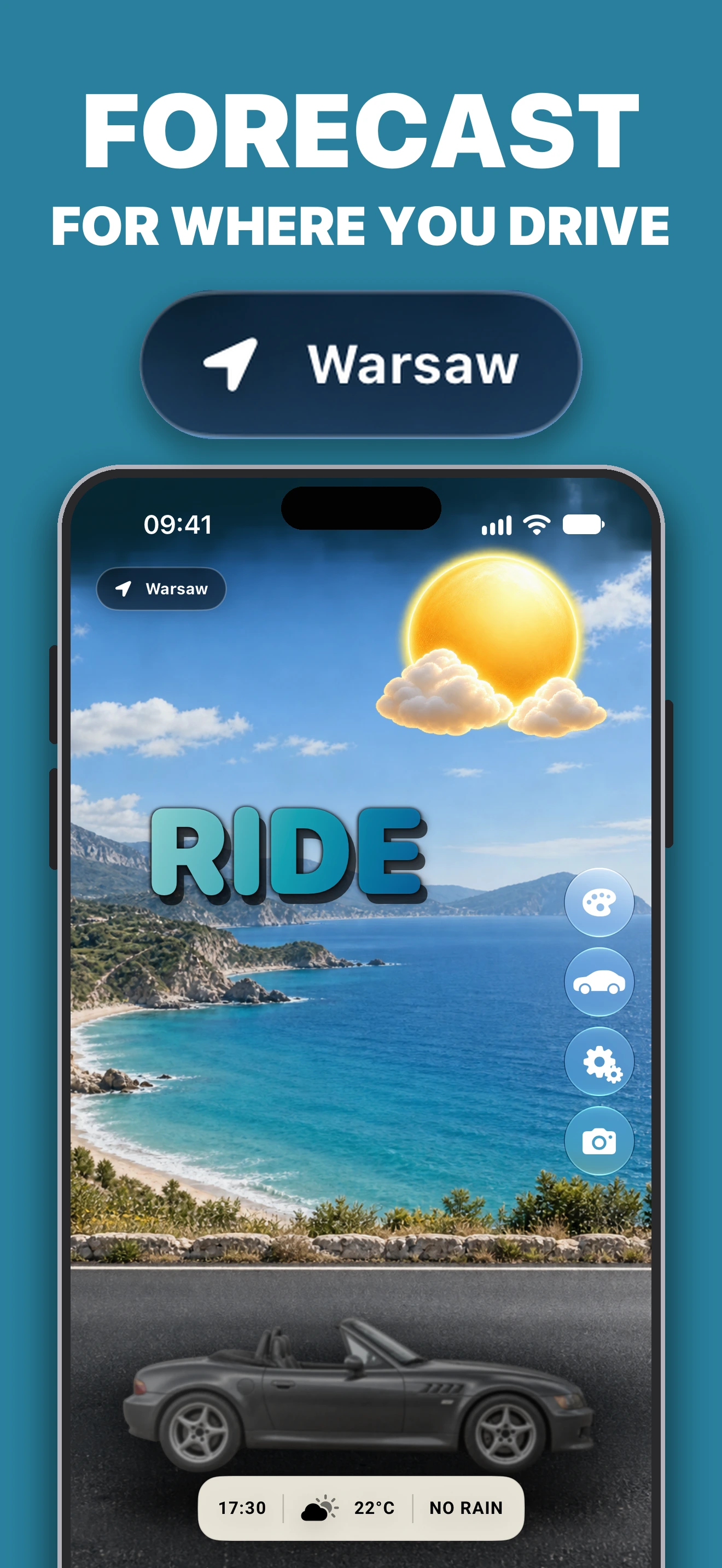
The app offers Premium purchases. Check current personalization access and terms in Open Sky. Before leaving, make sure the forecast is for the correct location. Sunny artwork and a RIDE recommendation do not guarantee dry roads.