 simply crafted
EDEN · GETTING STARTED
What is a daily Bible quiz in Eden like?
After reading a Bible passage, take a moment to pause: what do you remember? In Eden, daily questions and a space for reflection help you make room for that moment during your day.
From reading to a short question
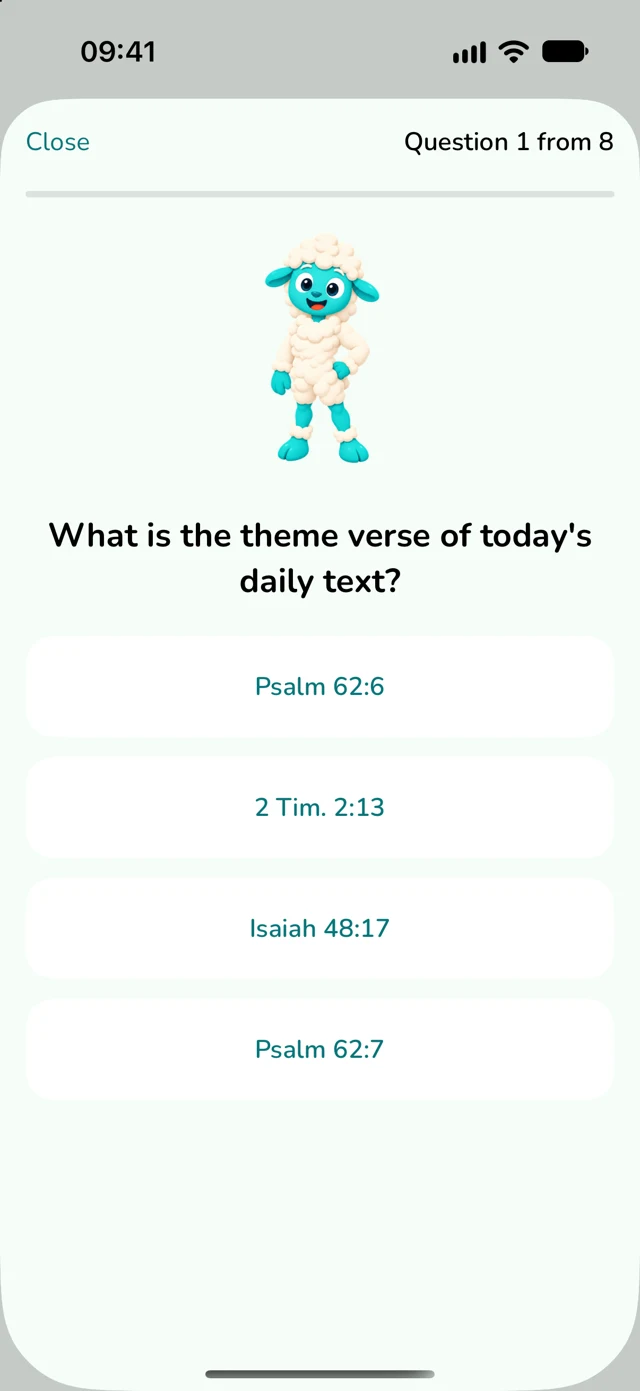
Eden combines a daily Bible text with short quizzes. You can revisit what you have read, choose an answer and see what deserves another look. In settings, you can adjust the number of questions and session times to fit your day.
You do not have to treat the quiz as an exam. Think of it as a chance to revisit the passage. If the answer does not come to mind straight away, return to the text and check its context.
Try one question to get started
Editorial example. The following question illustrates the quiz format. It is not a question from today’s Eden session and does not match the screenshot shown here.
Who was instructed to build an ark before the Flood?
- Abraham
- Moses
- Noah
- David
Check the answer
C. Noah. You can find the account at Genesis 6:13–22. Return to the passage and look at the task Noah was given.
How can you use a quiz alongside reading?
- Start by reading. Read the suggested text without rushing. Notice the people, events and main idea.
- Try to answer. Take a moment to think before looking at the passage again.
- Check the context. If something was unclear, return to the text. A correct answer alone does not replace understanding the whole passage.
- Write down your own thought. One sentence about what caught your attention can be a starting point for further reflection.
Make room for a personal reflection
After reading, you can save a personal reflection in Eden. It does not need to be long. Start with a question: “What would I like to think about further in this passage?”
For the example about Noah, you could note an observation about his task or a question that came to mind as you read. This is your note; it does not need to match a prepared answer.
Revisit what you have discovered
History in Eden lets you revisit earlier days, questions and answers. You can look again at what came easily and what needed another look at the text. Your saved reflections give you a place to return to your own thoughts.
Begin with a simple rhythm: reading, a short quiz and one thought. Later, explore how to combine it with a Bible reading plan and the app’s other features.
What will the next guides cover?
We will explore starting a reading plan, choosing a language, using History and saving reflections. We will also look at rewards, missions, badges and treasures, showing their actual appearance and how to earn them.